
Site radio
Yearly
€390 incl. VAT / year
i.e. €325 excl. VAT
White label
- Noincluded
- Yes+ €180 incl. VAT / year
Disk space
- 5 GBincluded
Launch offer -25% for lifeSee the pricing
You write your news and your programme schedule from your customer area, and your listeners tune in live. Nothing to install, nothing to host.
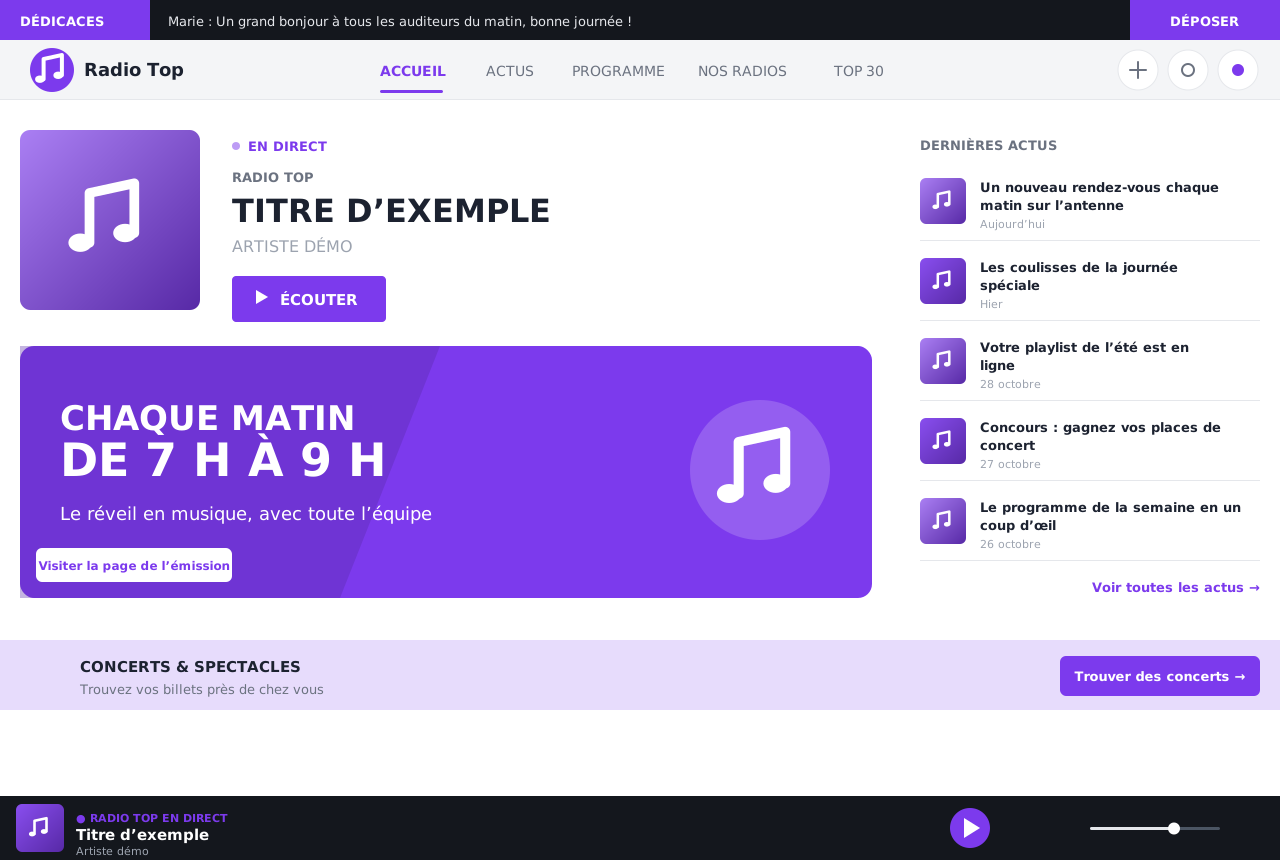
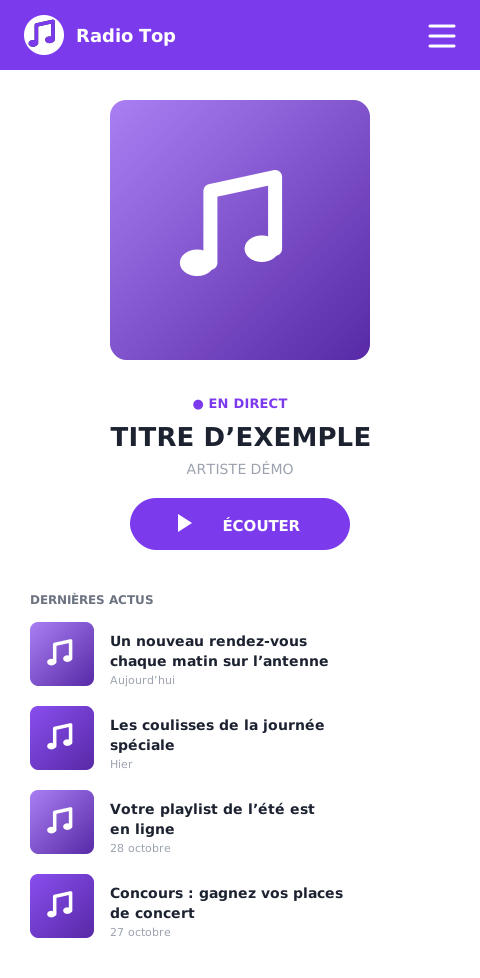
A complete demo website, with its home page, news, programme schedule, shows and team. Browse it as a listener would.
Already live with this CMS
Your website's home page puts your station front and centre: listeners press play, see what is on and what comes next.
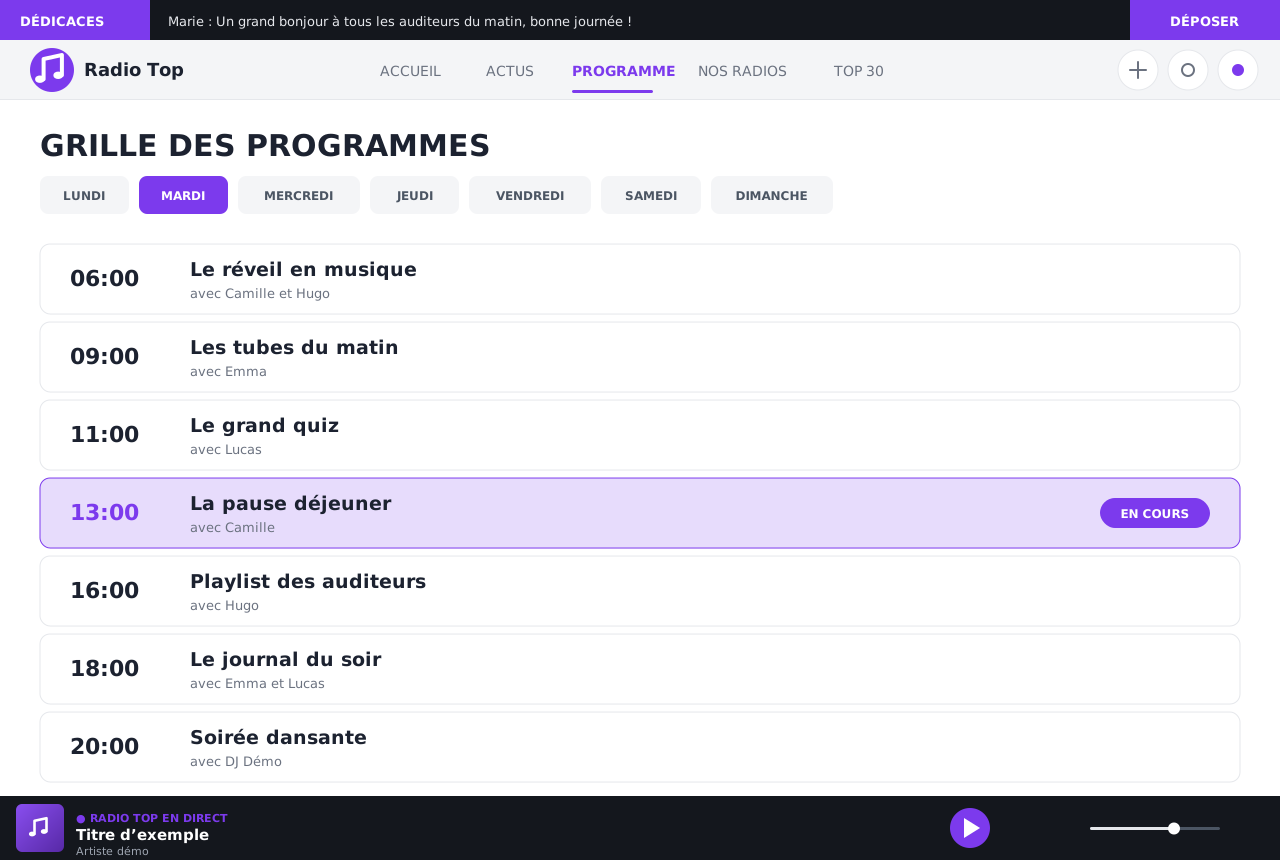
Add your shows with their times, their host and a description. Listeners find the full schedule, and the home page shows today's show.
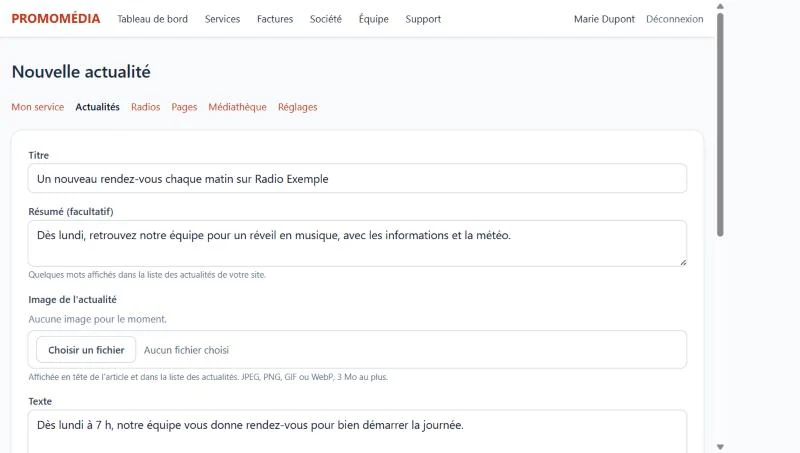
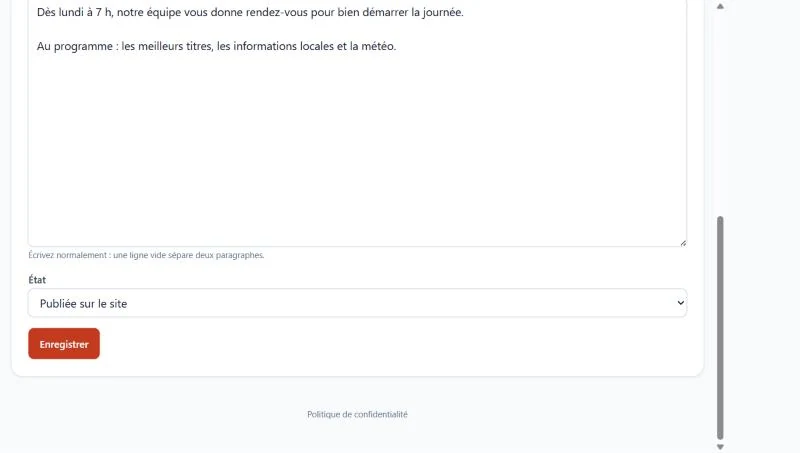
Write your articles with simple formatting. Keep them as drafts while you proofread, then publish them whenever you like.
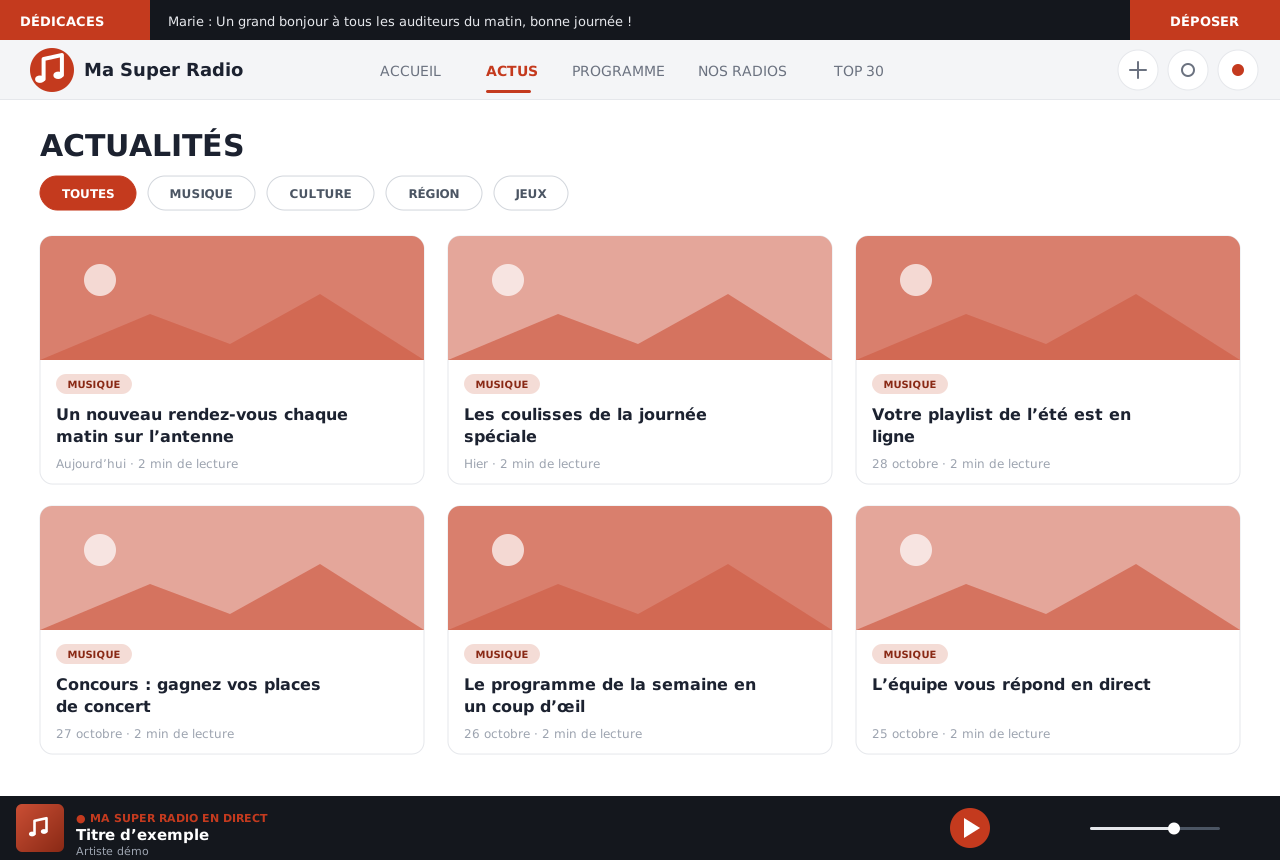
You manage your website from your customer area, without installing or learning any software. A form, a button, and the article is online.
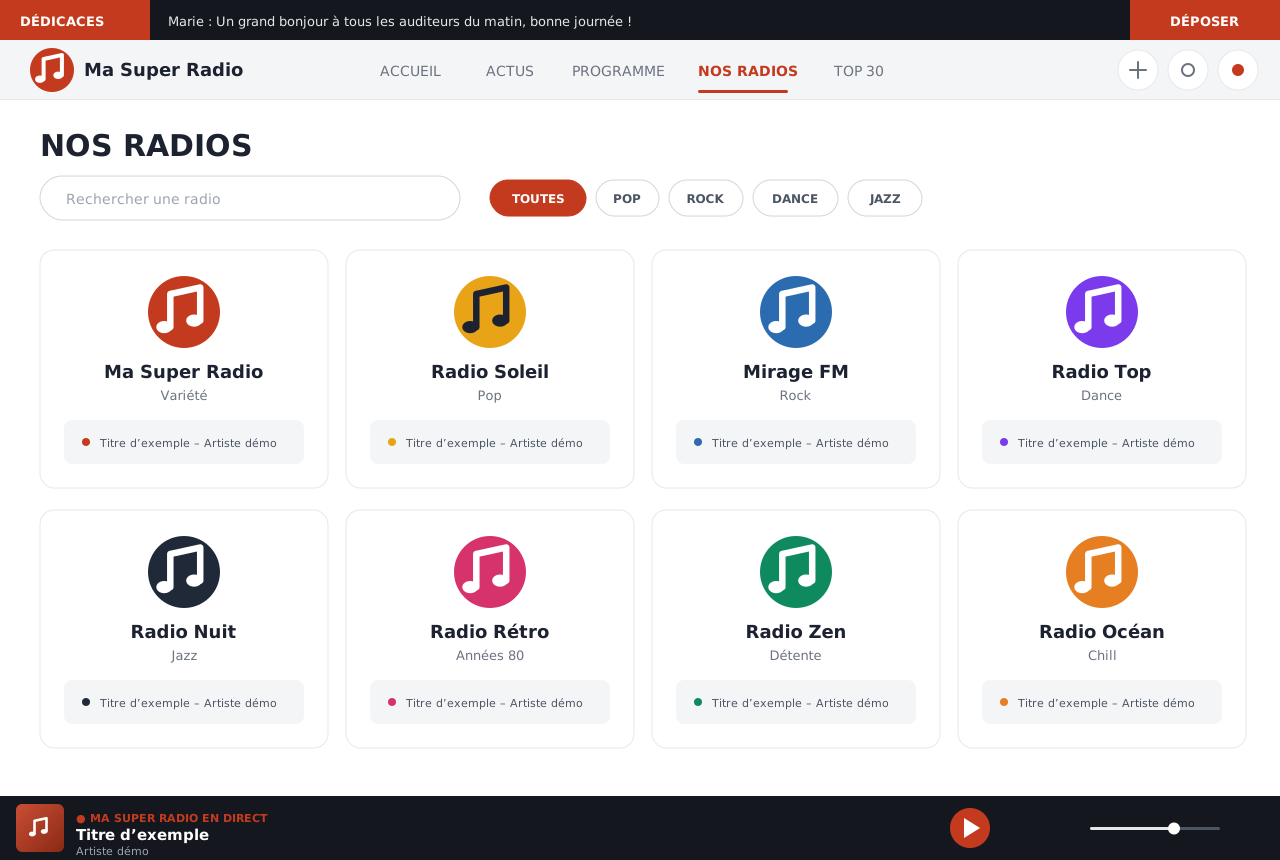
A website presents a radio or a whole family of web radios: some networks have more than a hundred. Each radio has its own page, logo, colour, stream and current song; your listeners find them by search or by style.
From your customer area, you choose your site's colours, fonts and rounded corners. It appears next to the form and updates as you edit: nothing is published until you click "Save".
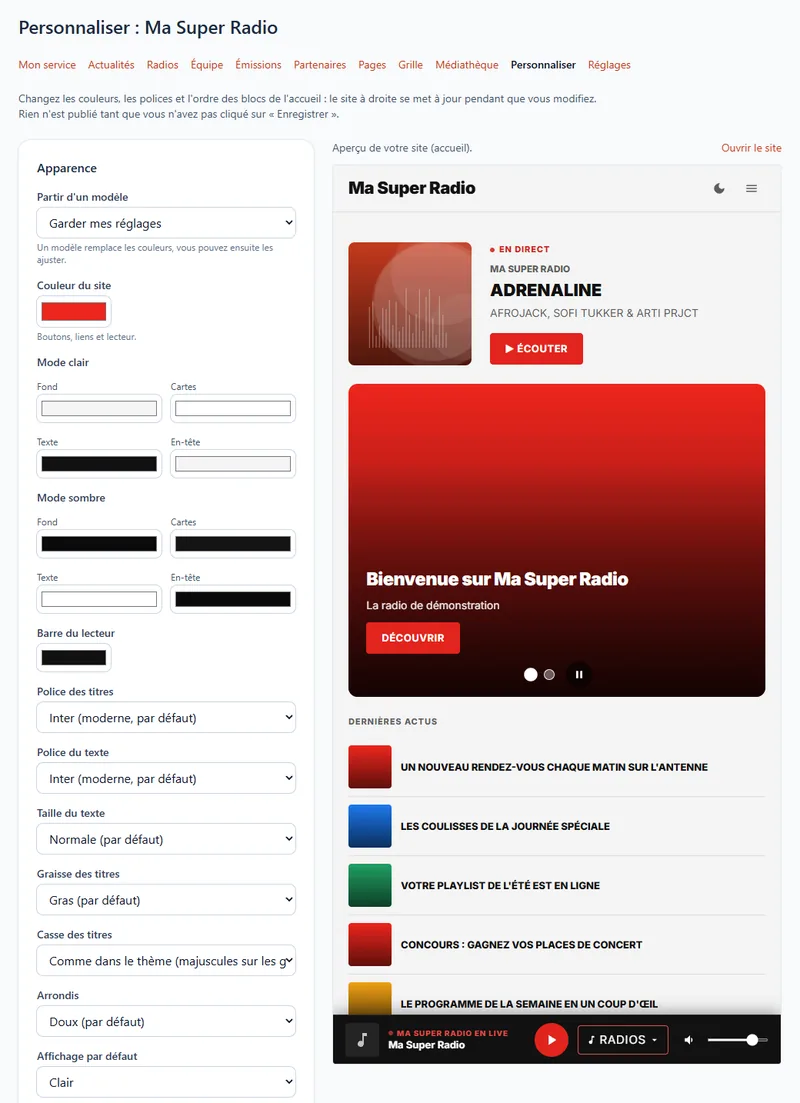
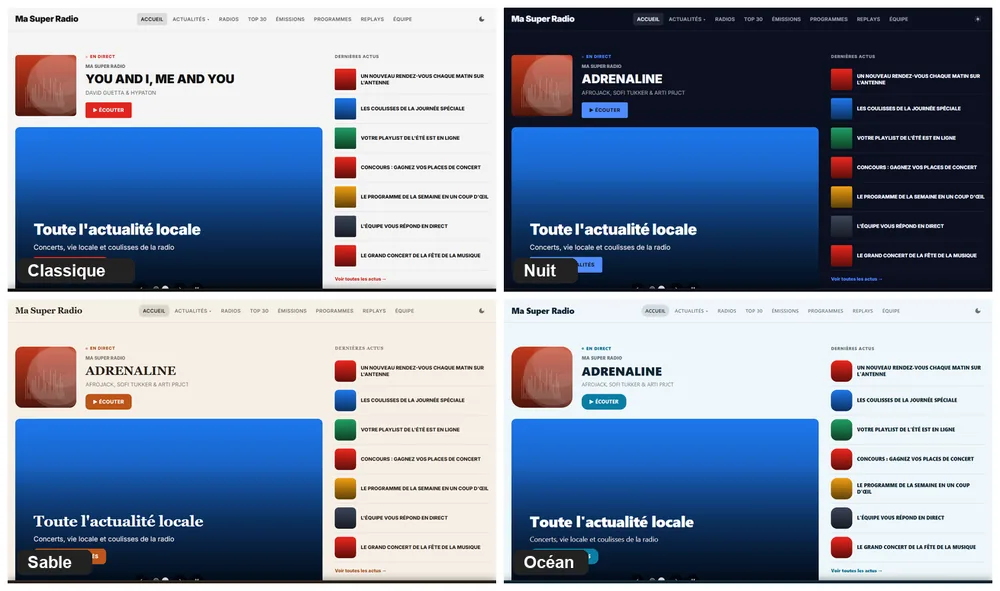
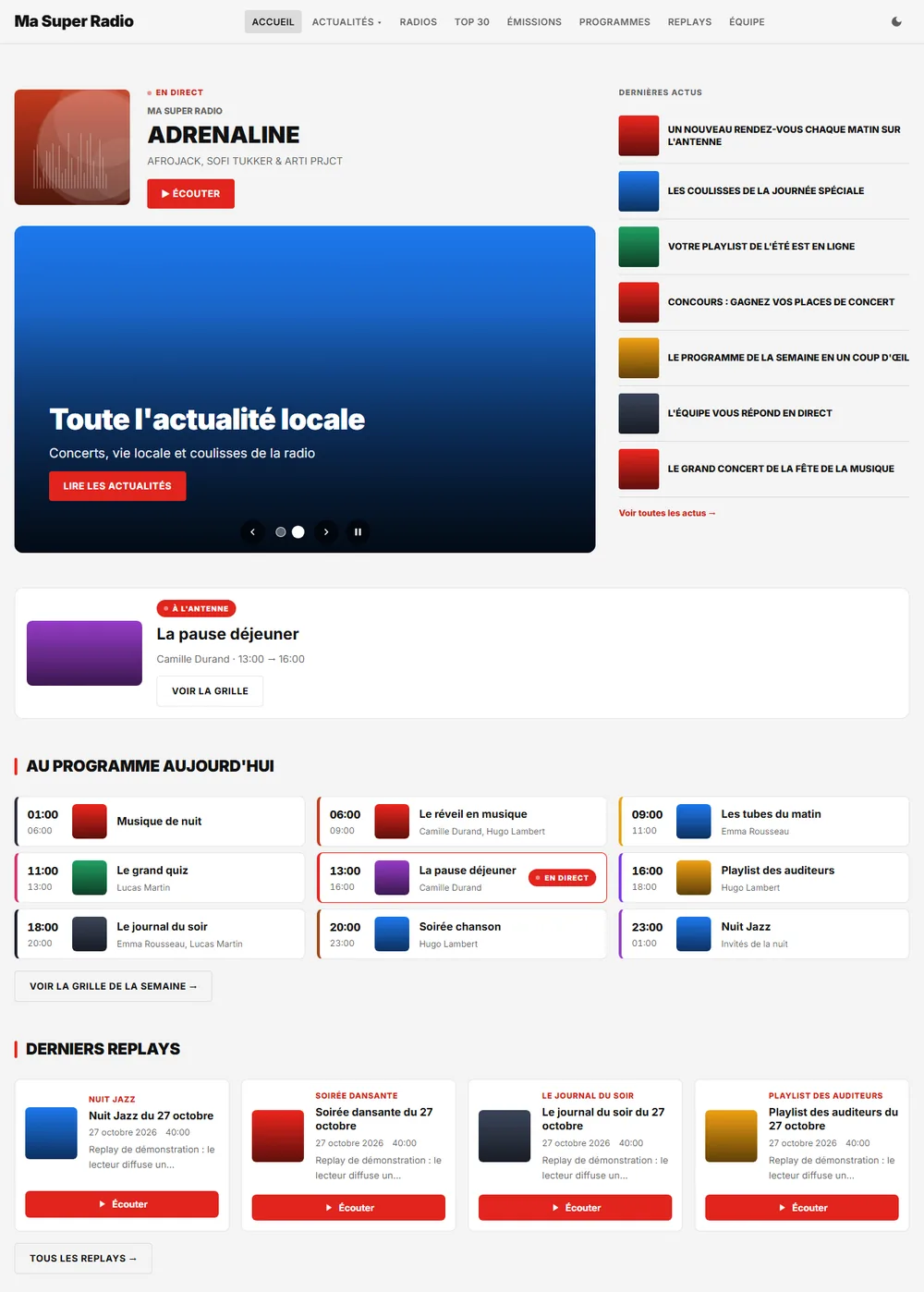
Your home page is made of blocks: you decide which ones appear and in what order, by dragging them with the mouse. The blocks offered depend on the modules in your plan.
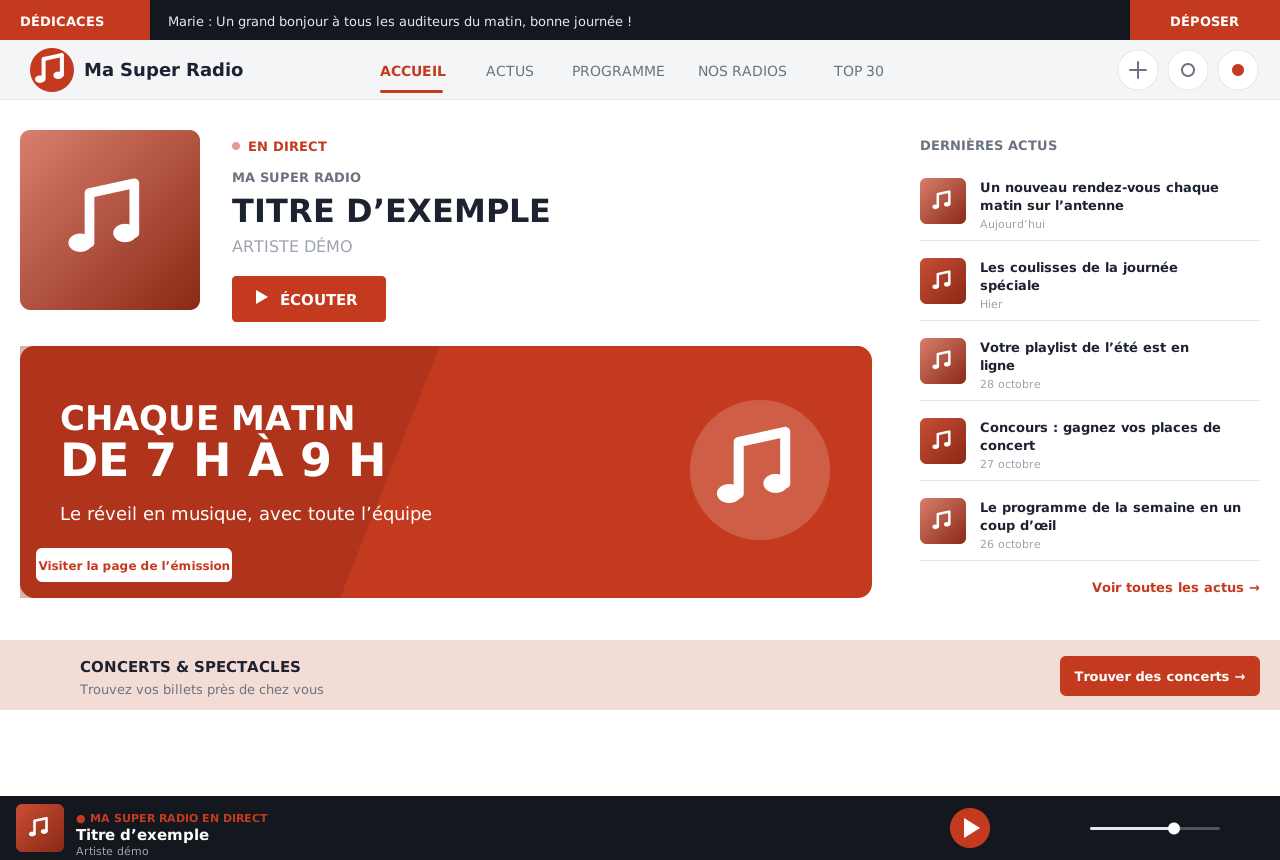
Same foundation, different identities: each radio has its own logo, colour and content. Yours will be just as unique.
My Great Radio
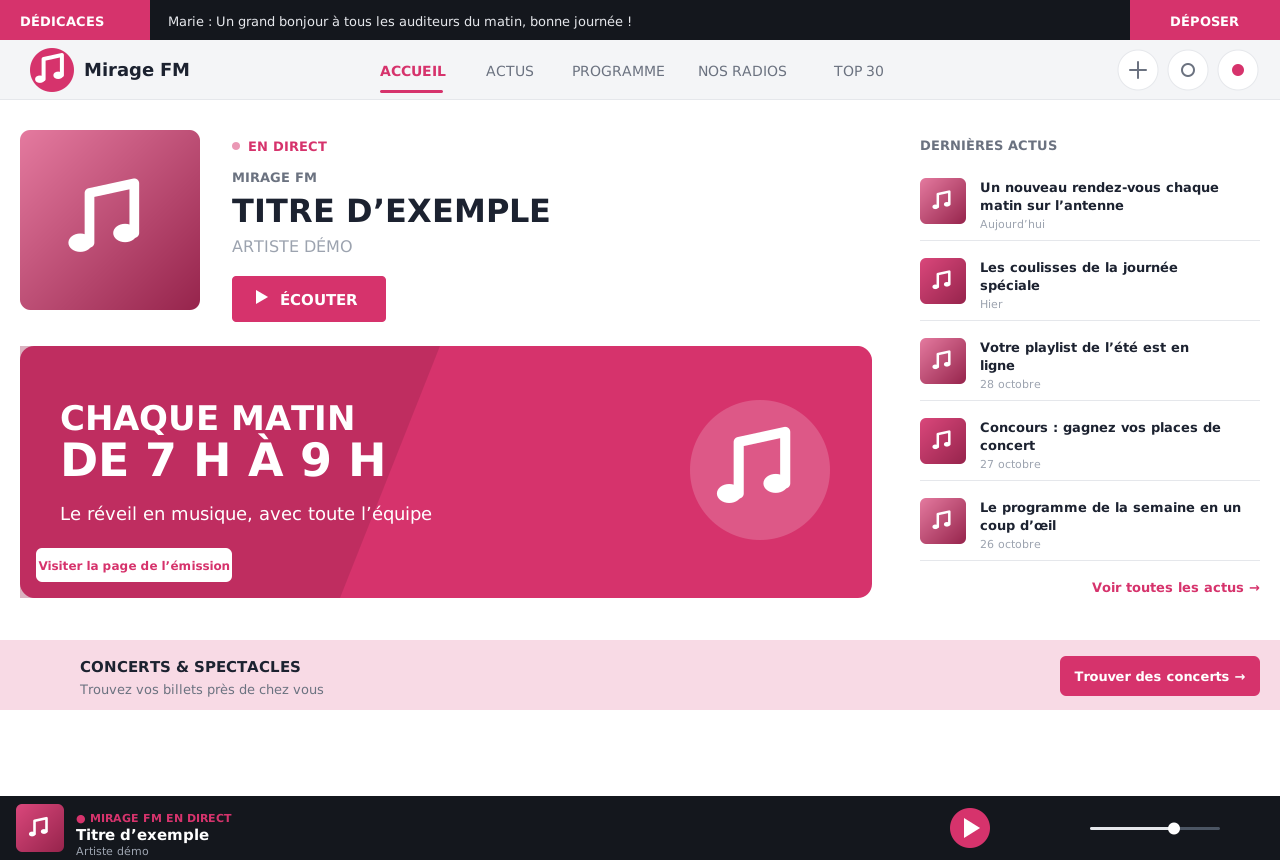
Mirage FM
Radio Top
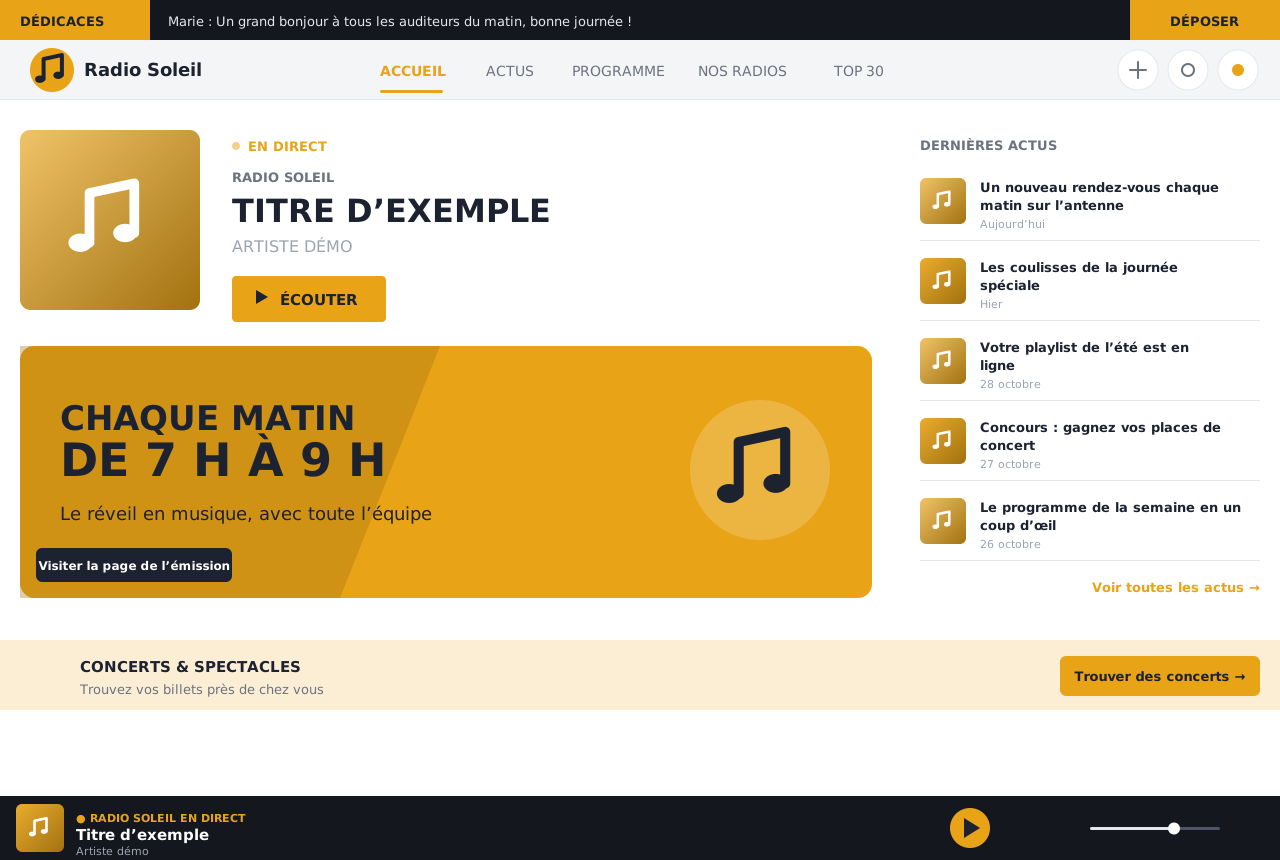
Radio Soleil
Pages that make people want to come back, with moderation on your side.
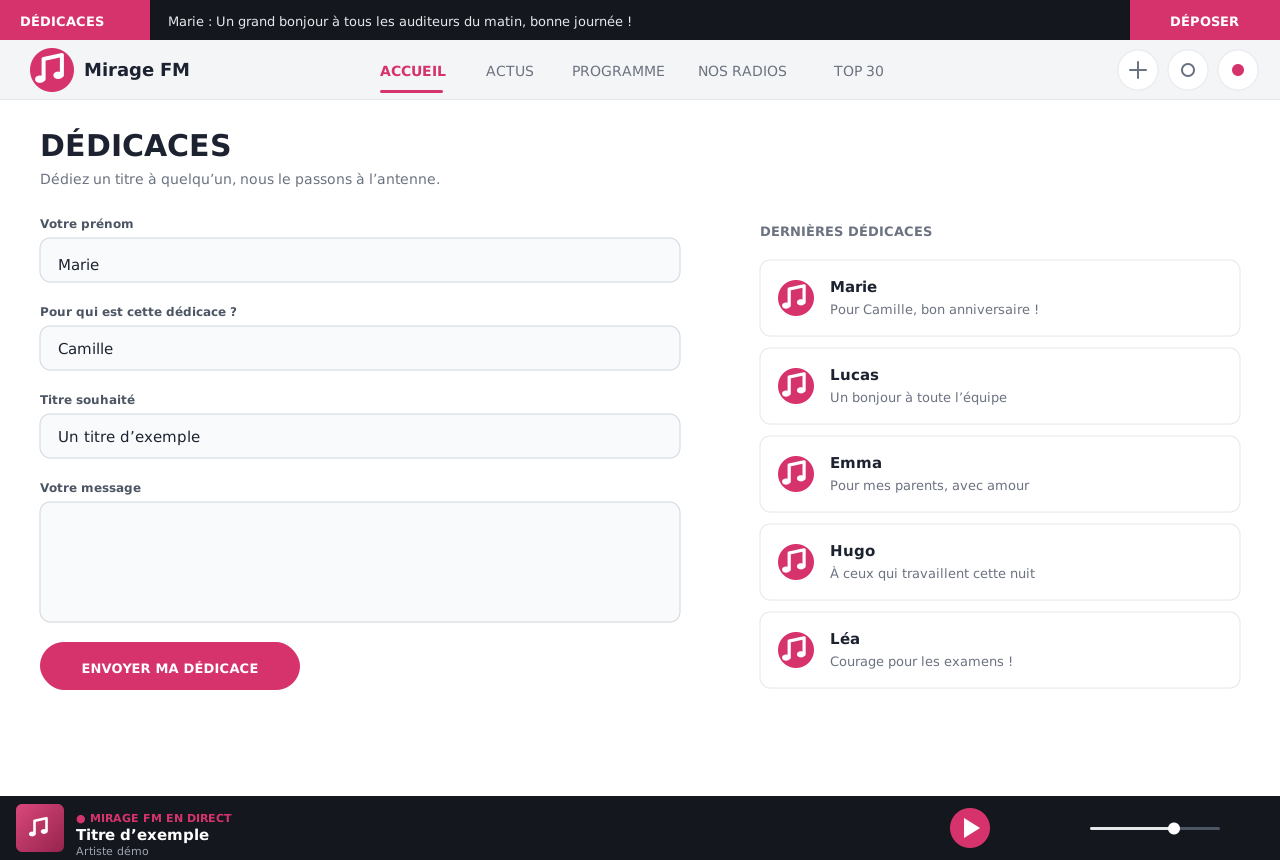
Your listeners dedicate a song to their loved ones. Each message is approved by your team: an email alerts it and invites it to approve. Accepted messages scroll across the top of every page of the website.
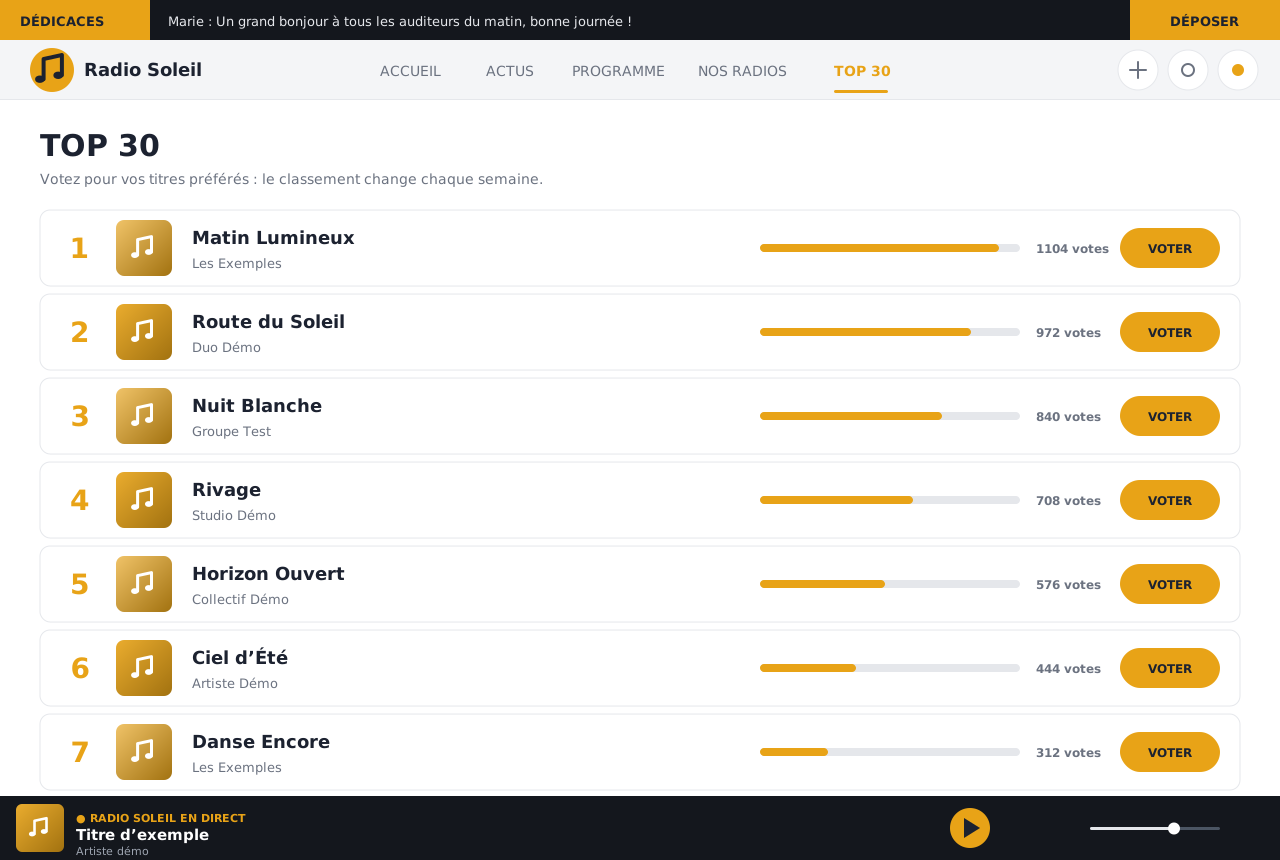
A ranking of songs voted by your listeners, with cover art, updated as votes come in.
The player and the presentation of your radio are always included. The other modules depend on your plan.
Live player, current song, cover art, one or several radios.
Show pages, hosts, the week's schedule.
Your shows as replays, with player and duration.
Songs played recently, which your listeners can browse.
Moderated listener messages, games and prize draws.
A ranking voted by listeners.
Concerts and shows near your listeners, with booking.
Collect sign-ups, publish today's horoscope.
Traffic news for your region on your website.
Song lyrics and artist biographies.
The same radio as an app, with the same stream.
Share buttons, a group bar to link several radios.
The website is set up in a few minutes from your customer area.
Try it: the header text stays readable, light or dark, whatever the colour. Fictional example, nothing is sent.
Pick your site's colour: the header text stays readable, in light or dark.
Your website is reachable at an address in your name, and can be published or unpublished with a click.
Computer, tablet or phone: the website adapts.
Logo, tagline, introduction text, Facebook and Instagram links, contact address.
Remove the "Site hosted by PROMOMÉDIA" notice from the footer.
The same audio stream can feed your website, your app and your Alexa skill.
From your customer area, with the total shown before you confirm.
Name, colour, stream, news and schedule: everything is entered in the panel.
One click, and your website is online at your address.
Prices include VAT. You order from your customer area, and the total is shown before you confirm.
Yearly
€390 incl. VAT / year
i.e. €325 excl. VAT
White label
Disk space
No. The website is hosted by PROMOMÉDIA and managed entirely from your customer area.
The one you give us: your own stream, or the one from our streaming offer.
Yes. By default, your website is served at an address in your name, in the form your-radio.promomedia.website. If you have your own domain name (for example your-radio.com), we connect it to your website: you create two records at your domain host, which we tell you about, then our team makes the switch. The HTTPS certificate installs automatically; allow up to a day, and the old address redirects to the new one.
The website is only visible while the service is active.
The people on your team you give access to the customer area.
Yes: in "Customise", the website is shown next to the form with your changes, and nothing is published until you click "Save". "Cancel changes" takes you back to the published state.
Yes: the home page blocks (on air, today's schedule, latest replays, carousel…) can be reordered by drag and drop and hidden with a click. A block with nothing to show, for example no show today, does not appear.